3DGS Preset Config
Choose preset configurations by 3DGS data format, precision, and performance target.
Background
A single configuration cannot cover every 3DGS scene. Data precision, file size, GPU memory, device performance, and quality requirements vary by scenario, so each integration should start from a suitable configuration preset.
This page summarizes common 3DGS file formats, packType choices, presets, and key parameters that can be tuned on top of a preset.
Quick Choice
Choose a preset from the business constraint first, then tune only the key parameters. Avoid changing precision, sorting, and blur parameters all at once.
| Scenario Goal | Starting Point | Watch |
|---|---|---|
| Best quality and strong user hardware | Max Quality | packType, packHighPrecisionEnabled, highPrecisionAttachEnabled |
| Large scenes that break at low precision | Quality First | compressed, high-precision merge, maxStdDev |
| Lower-end devices with acceptable quality | Performance First | super-compressed, detailCullingThreshold, maxPixelRadius |
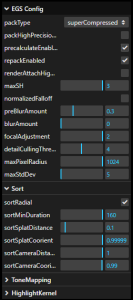
| Extremely large scenes or very low-end devices | Extreme Performance 0 | repackEnabled, sortMinDuration, more aggressive precision compression |
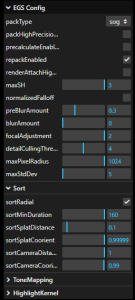
| Source data is sog and the goal is larger scene scale | Extreme Performance 1 | sog, precalculateEnabled, GPU memory usage |
3DGS File Formats
| Format | Size | Render Quality | Implementation Notes |
|---|---|---|---|
ply | 100% | Good | Highest source precision and largest file size. |
supersplat compressed ply | 30%, about 17% after gzip | Good | Splits data into chunks of 256 splats, likely spatially grouped like ksplat. center, quat, scale, and rgb are compressed by min/max, rescale, and quantization. SH can be compressed to u8; observed data is about 5 bit. |
spz | 10% | Average | Keeps relatively high precision for splat data, especially center, so sharpness loss is lower. SH precision is low and can cause visible color shifts in fine-detail scenes. |
splat | 14% | Average, not universal | Drops shN during compression. Layout: center.xyz (f32), scale.xyz (f32), color.rgba (u8), quat (u8), for 32 bytes total. |
ksplat | 20%-30% | Depends on compression level | Level 0 is uncompressed, level 1 is 16 bit, and level 2 is 8 bit. It spatially clusters splats for local coordinate compression, roughly similar to compressed ply. |
sog | 5% | Average | Applies PLAS sorting to center, scales, quats, and sh0(rgba), then uses min/max and quantization. shN uses k-means clustering with centroids and labels to restore data while reducing size. Images tend to be blurrier. |
packType
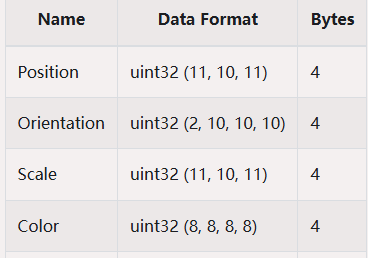
packType controls the precision of objects produced while parsing splats. Different options trade quality, size, memory, and performance.
Compressed
| Field | Precision |
|---|---|
position | f32 (3) |
scale | f16 (3) |
quat | f16 (4) |
color & alpha | f16 (4) |
shN | s_11_10_11 |
Compressed favors image quality and data precision. Use it for high-quality output, large scenes, or scenes that produce artifacts with lower precision.
SuperCompressed
| Field | Precision |
|---|---|
position | f16 (3) |
scale | u8 (3) |
quat | u8 (4) |
color & alpha | u8 (4) |
shN | sh1 (sint5), sh2 and sh3 (sint4) |
SuperCompressed favors file size, memory, and GPU memory. Use it when resources are tight, devices are lower-end, or performance is the priority.
Sog
Sog is for sog source data. It has the smallest size but can look blurrier. Prefer it when the source format is sog, when shN is absent, or when extreme scene scale is the main goal.
Preset List
| Preset | Suitable Scenario |
|---|---|
| Max Quality | Highest visual quality requirement and strong user hardware. |
| Quality First | Large scenes, such as cities, that can render incorrectly at low precision. Requires reasonable hardware. |
| Performance First | Lower-end machines. |
| Extreme Performance 0 | Very low-end machines or extremely large scenes. |
| Extreme Performance 1 | Very low-end machines or extremely large scenes when the source data is sog. Prefer this over Extreme Performance 0 when the condition is met, because it can open larger scenes. |
Max Quality
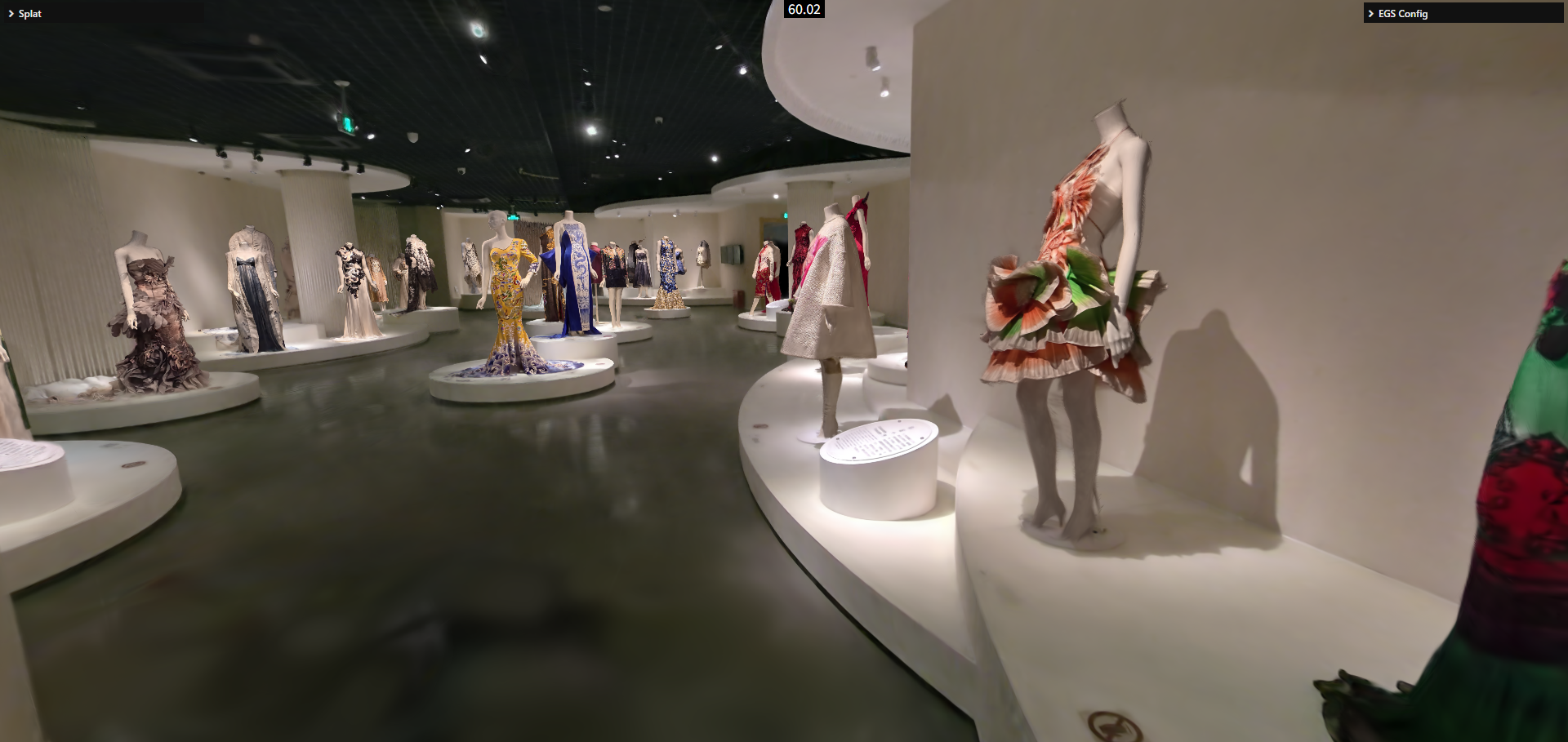
Quality First
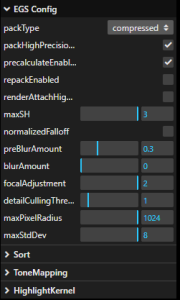
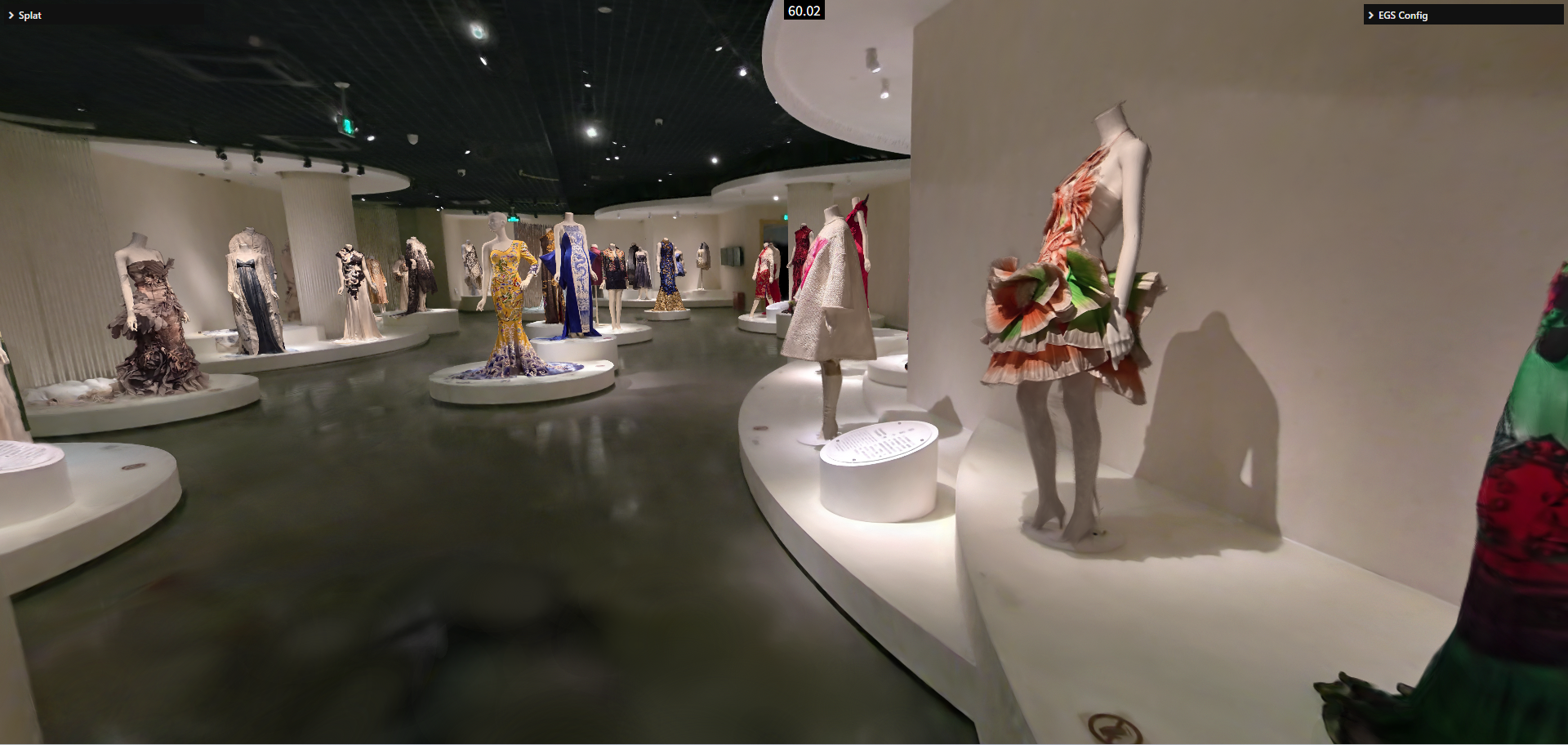
Performance First
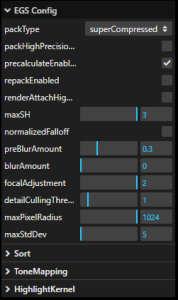
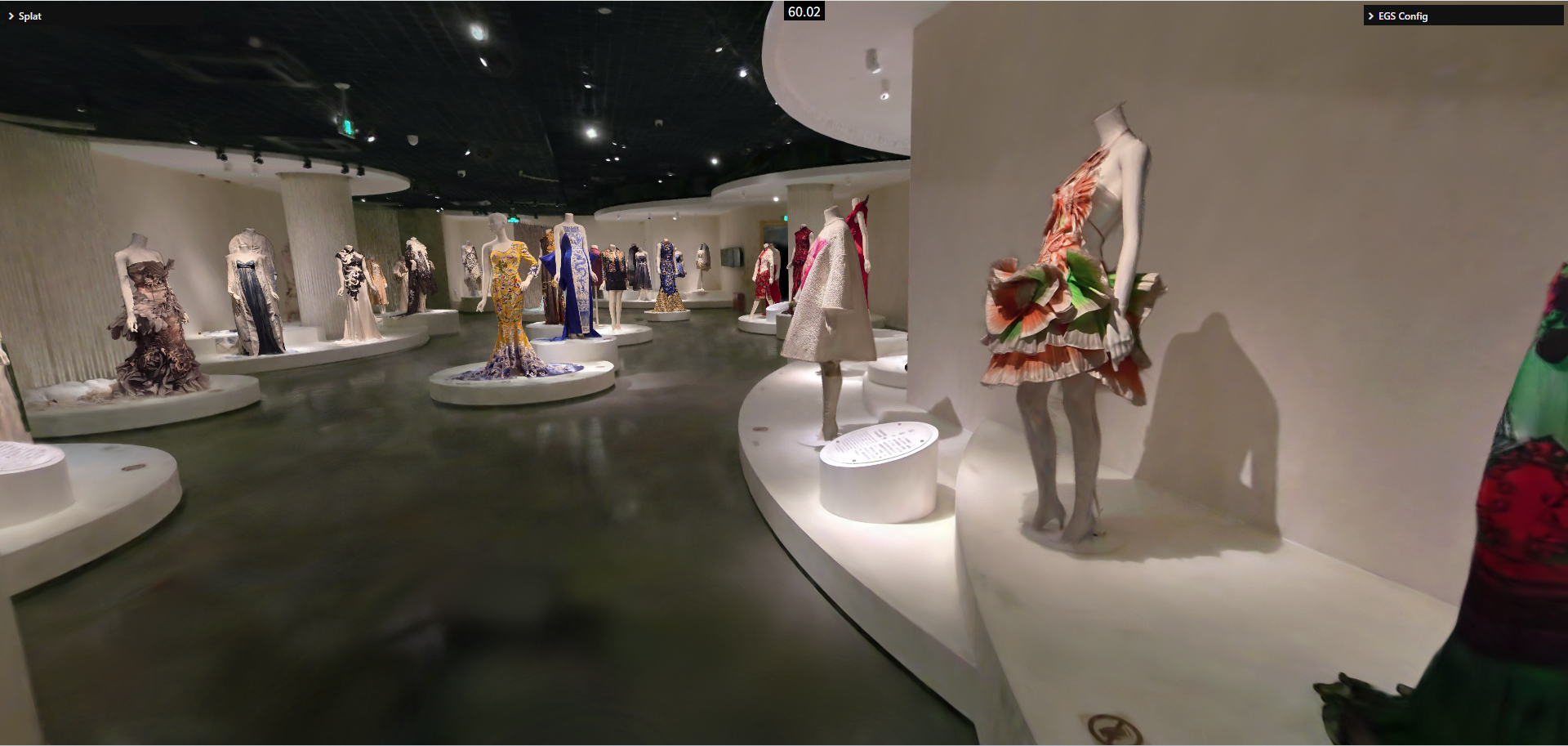
Extreme Performance 0
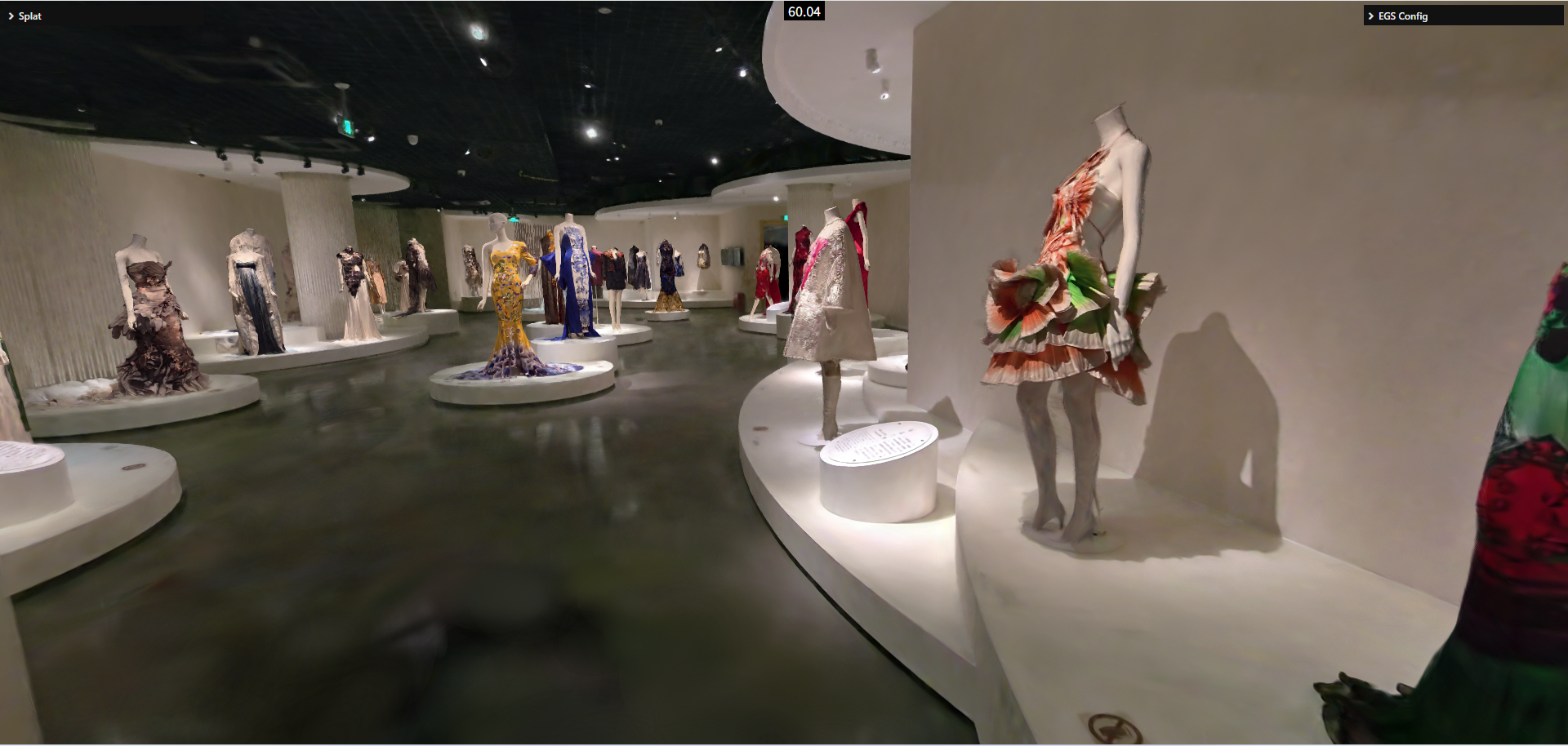
Extreme Performance 1
Custom Configuration
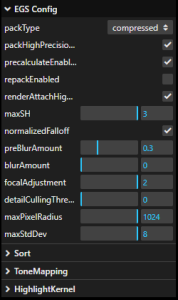
Presets cannot cover every scene. In practice, choose the closest preset as a starting point, then tune a small number of key parameters. For scene-specific tuning, import the scene into [EGS GS Viewer] and compare the result.
| Parameter | Purpose | Recommendation |
|---|---|---|
packType | Produces objects with different precision during parseSplats. | Use sog when there is no shN and the format is sog. Use super-compressed when memory or GPU memory is tight. Use compressed when high data precision is required. |
packHighPrecisionEnabled | Enables high-precision data merging. | Determines the final data precision used for rendering. Usually enabled for compressed; evaluate per scene for sog. |
precalculateEnabled | Enables spherical-harmonic calculation. | Enable it when the data has no shN, saving performance and GPU memory. |
repackEnabled | Enables repack behavior. | A performance optimization for large scenes, usually used with sortMinDuration. It can improve performance by about 50%-100%, with extra GPU memory cost. |
highPrecisionAttachEnabled | Enables a high-precision render attachment. | Consider enabling it when the scene shows ripple-like artifacts, or when quality is more important. It increases GPU memory usage. |
normalizedFalloff | Enables normalized Gaussian falloff. | Most scenes show little difference. Do not enable it unless maximum quality is required. |
preBlurAmount / blurAmount | Controls blur parameters. | Non-AA training usually uses 0.3 / 0; AA training usually uses 0 / 0.3. Other values are generally not recommended. |
focalAdjustment | Adjusts splat spread scale. | 2 is closer to the reference result. |
detailCullingThreshold | Approximate detail culling. | Usually in [0, 4]. Setting it to 1 often has minimal visual loss; the performance gain depends on scene detail. |
maxPixelRadius | Maximum screen-space radius covered by a Gaussian. | Default is 1024; recommended range is [128, 1024]. Too small can break the scene visually. |
maxStdDev | Maximum standard deviation of Gaussian spread. | Should be between sqrt(5) and sqrt(9). Larger values cost more performance but improve quality; sqrt(8) is usually a practical quality/performance midpoint. |
sortMinDuration | Minimum interval between sorting operations. | Usually used with repackEnabled. Common value is 16 * n, where n is no greater than 10. |
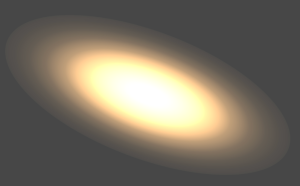
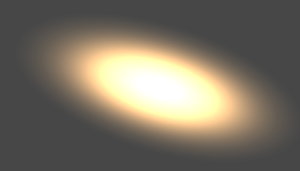
normalizedFalloff Comparison